Show curvy roads on the map
The Curvy Roads layer highlights curvy roads on the map, so you can spot the twistiest roads at a glance without zooming in on every turn.
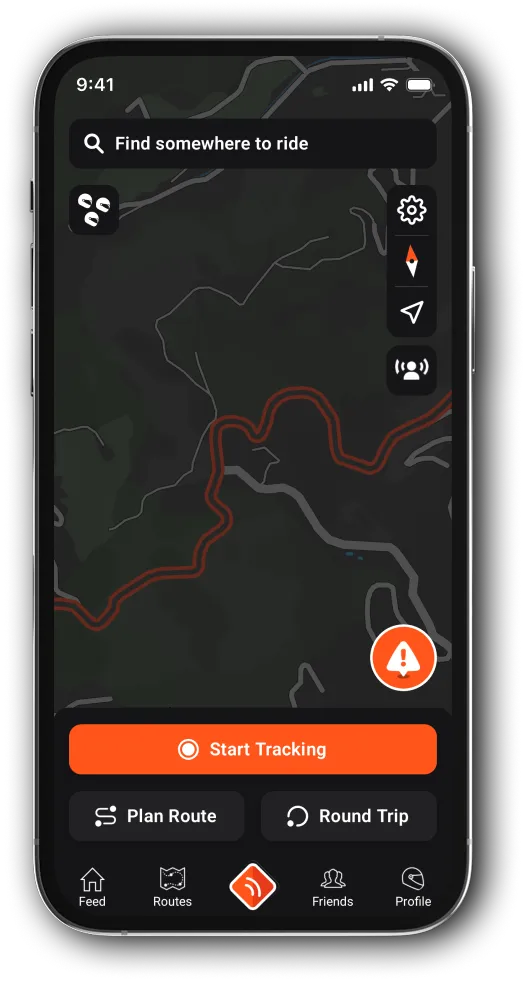
Turn the layer on or off
With Premium, the layer is on from the start. To turn it on or off:
-
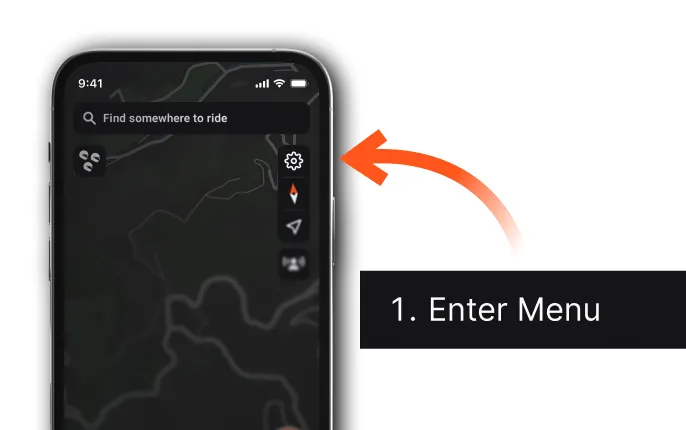
On the map, tap the Map Settings icon, the cog in the top right corner.
-
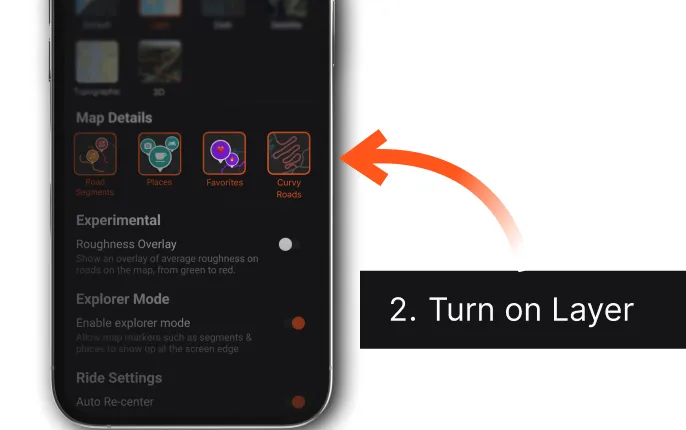
Under Map Details, tap Curvy Roads. The same section has Places, road segments and Favorites.
Updated